Follow the thread.
Relative links, wikilinks, headings, and supported note embeds keep connected ideas connected. Jump between notes without losing your place.
[[Ideas#The useful part]]
 mementara.
App Store
mementara.
App Store
Offline Markdown reader for iPhone & iPad
Bring your GitHub notes along. Browse public repositories without signing in, or connect your private notebook. Read, search, and follow your notes on iPhone and iPad, even offline.
Free on the App Store iOS 18+ iPhone & iPad
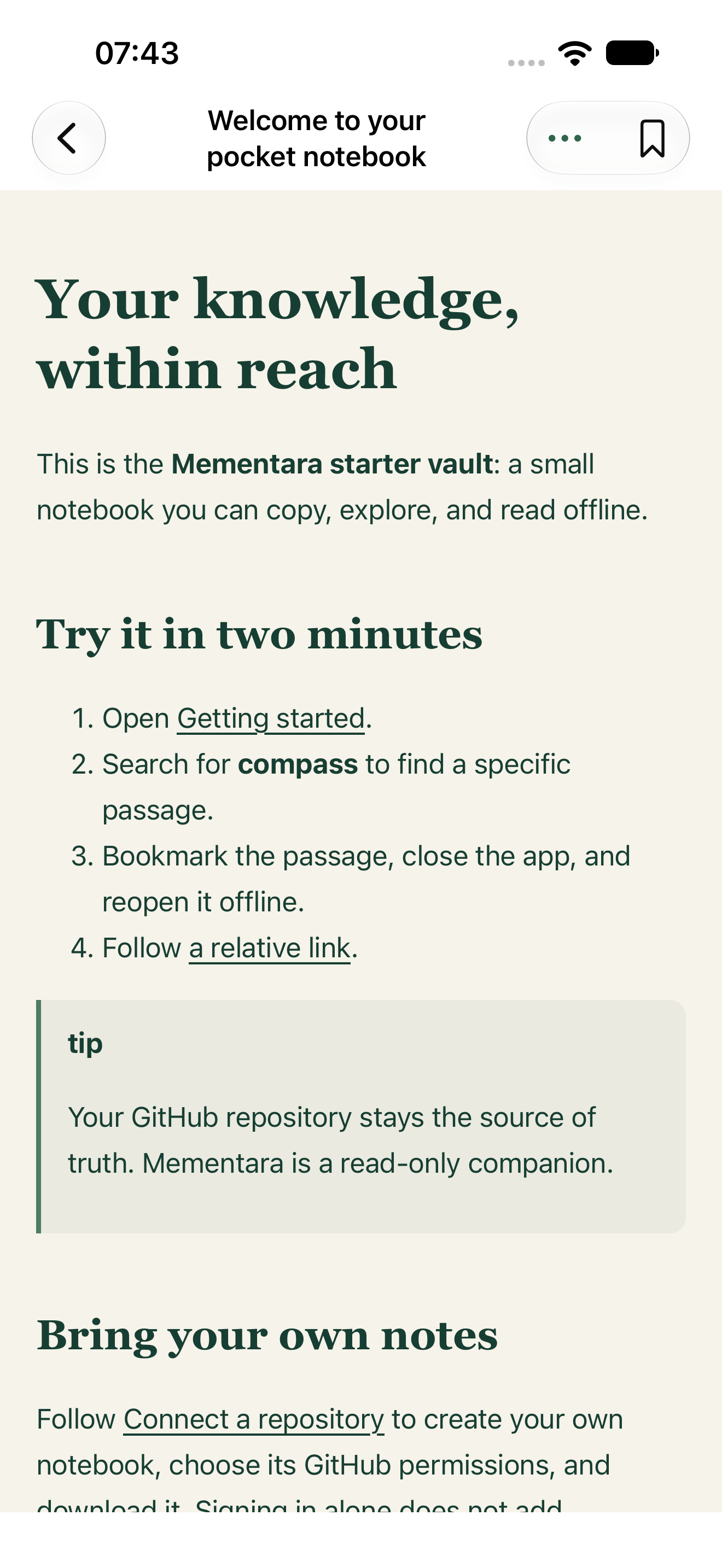
Your existing GitHub notebook
Passage search, on your device
Read-only, by design
01 / The idea
The architecture decision. The command you always forget. The explanation you wrote so you wouldn’t have to work it out twice.
Mementara gives your existing Markdown notebook a home on your phone. Keep writing in your favorite editor, keep your files in GitHub, and reach for them wherever you are.
Fits the way you already work02 / Less hunting. More finding.
Search the words you remember and see the matching section, with enough context to recognize it. Filename results help you find notes and PDFs, too.
Open right at the passage. Follow a link. Bookmark it for next time. Your downloaded notes and search index stay available without a connection.
Welcome.md A notebook that travels
A compass is useful even when the network disappears. Your downloaded notes work the same way.Read the sample passage
An excerpt from the included notebook. Your words, in context.
03 / A reader that gets your notes
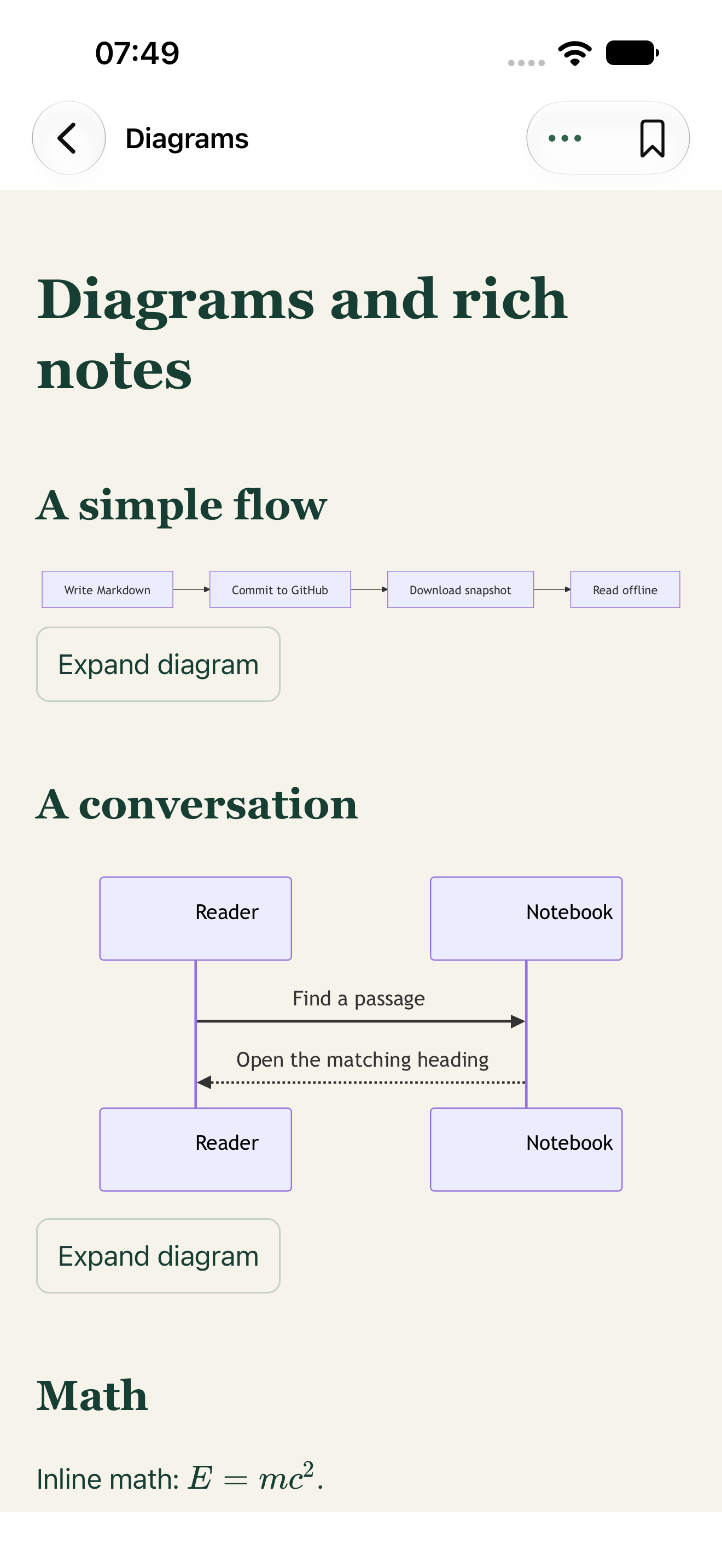
Built for the links, diagrams, and reference material that make a technical notebook useful.
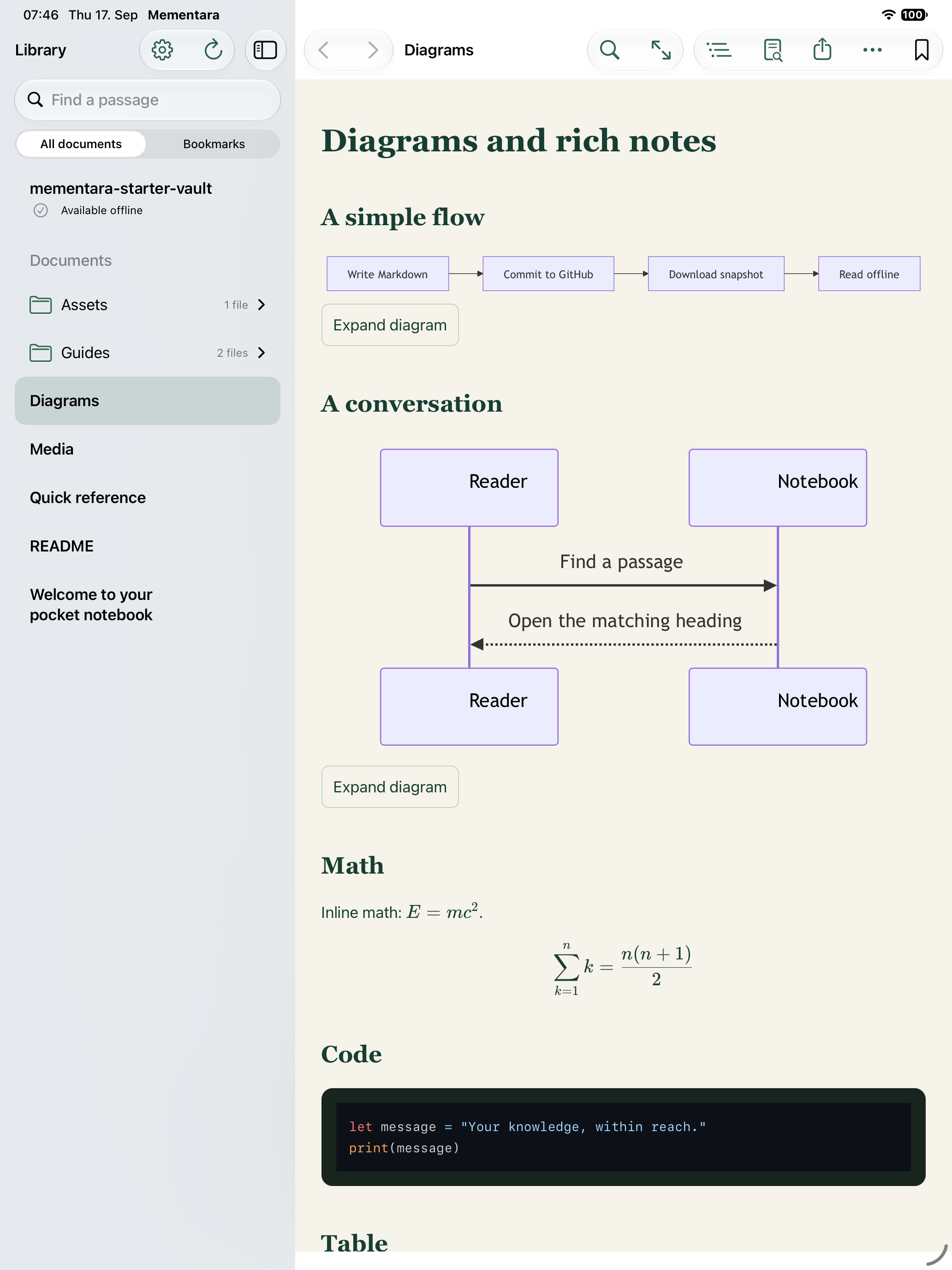
Relative links, wikilinks, headings, and supported note embeds keep connected ideas connected. Jump between notes without losing your place.
[[Ideas#The useful part]]
Read Mermaid diagrams, math, code, and tables. Open cached images and PDFs. Other diagram tools can bring an exported SVG or PNG along.
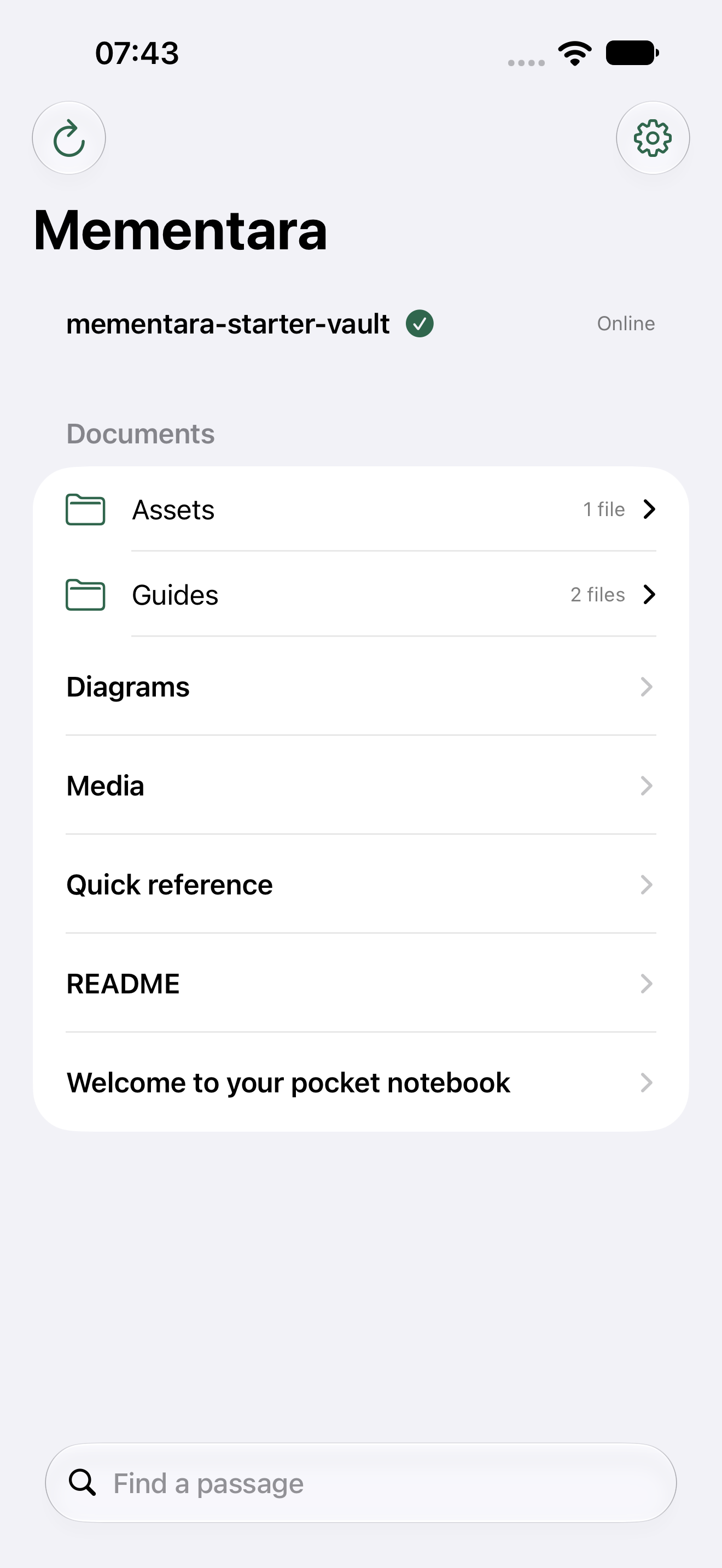
What’s supportedOn iPad, keep the library beside your document, navigate its contents, or tuck everything away for focused reading. A wider layout gives technical notes more space.
Downloads save progress so interrupted work can resume. See which notes and media are ready before going offline. Manage your GitHub account and repository permissions in Settings, or repair the local search index from downloaded files.
Current App Store screenshots · Mementara 1.0
04 / Same notebook. A new way to reach it.
Obsidian, your code editor, or any Markdown editor. Your repository remains the home for your notes.
Browse public repositories by URL, owner/name, or GitHub username without signing in. For private repositories, connect GitHub with read access. Choose a branch and optional folder, then download.
Read and search downloaded notes offline. Refresh when you’re online to pick up what you’ve changed.
Mementara’s reader has no editing, commit, or push capability. Bookmarks and reading positions stay local. Note contents travel directly from GitHub to your device.
A few things to know
Yes. Download Mementara from the App Store for iPhone and iPad. Version 1.0 is free, with no in-app purchases or subscriptions. Requires iOS or iPadOS 18 or later.
Try the included sample or download a public GitHub repository without an account. Sign in only when you want to read private repositories.
Mementara is a reading companion for Markdown files stored in GitHub. Keep using Obsidian or another editor to write. Familiar wikilinks and supported embeds work, but Obsidian plugins, Dataview, and interactive Canvas do not run in Mementara.
Downloaded note text and passage search work offline. Eligible images, exported previews, and PDFs work once downloaded. The app distinguishes notes that are ready from media still pending.
Remote images do not load automatically. External links, uncached attachments, and GitHub refreshes need a connection. Check download coverage before heading offline.
Mementara requests read access and has no editing, commit, or push capability. Bookmarks and reading positions are stored on your device, not written to GitHub.
One active repository and an optional GitHub.com account, public repository browsing, local passage and filename search, linked notes, bookmarks, supported media, and an adaptive iPad reader. Customize your reading theme and text size, protect access with app lock, and share original files.
Multiple active notebooks, editing, AI, Android, and GitHub Enterprise Server are outside the first version. The interface is available in English, German, French, and Spanish.
A little less searching.Your notebook is ready to go places. Start with the included sample, or bring a public GitHub repository without signing in.
Download on the App StoreAvailable now · Free · iPhone & iPad · iOS 18+